
Pictures#
The style of the pictures#
The whole film is painted in one style, chosen on its settings page: Natural (the default), a ready-made look (cartoon, child's drawing, watercolour, 3D animation, pen and ink, folk brush, patachitra, anime, oil, comic, pencil, paper cut-out) or Like my sample. Sample shots try a style on three shots first. See Making a new film.
The picture AIs#
- Gemini (default) — good value; Premium uses Google's best model.
- OpenAI (gpt-image) — careful with details.
- OpenRouter — one key for many: GPT Image, Grok Imagine (very real faces), Nano Banana, Seedream, Meta Muse, FLUX (keeps faces from references) …
- Only my own pictures, or free test pictures for trying things out.
Faces that stay the same#
With Draw each main character first, every character seen in two shots or more gets a portrait, and the portrait goes with every shot the character is in. On the Characters page you can redraw a portrait, change a character's look, or give your own photo or drawing.
The AI picture check#
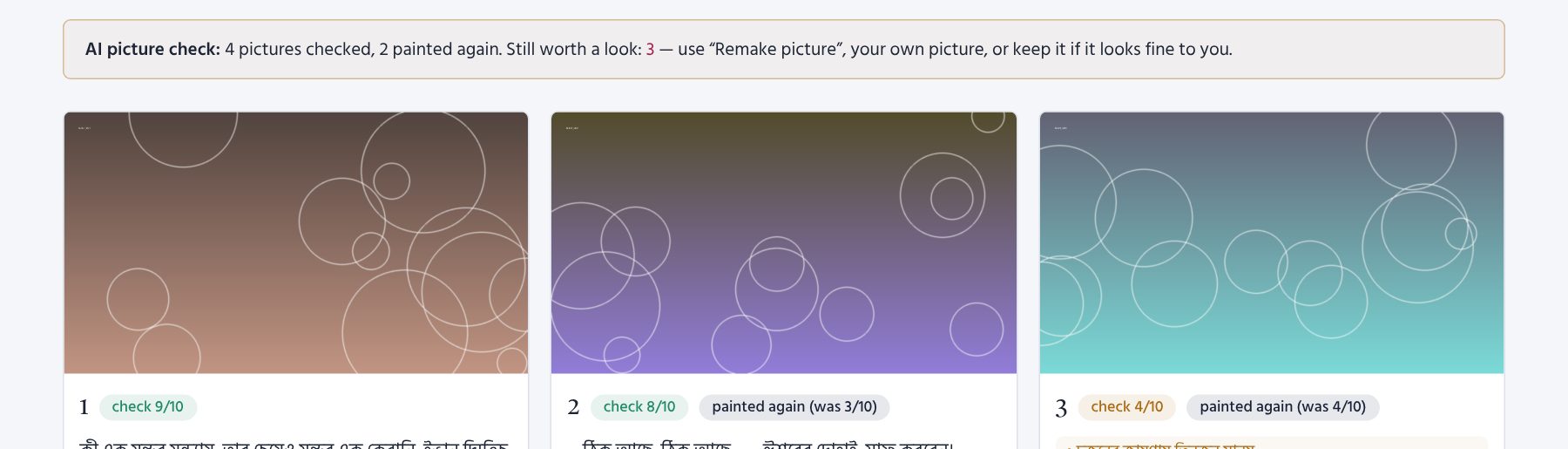
With An AI checks every picture on (the default), each new picture is looked at together with the portraits of the characters in it and scored out of 10. It checks:
- the right people in the frame, faces like the portraits;
- deformed hands, faces or bodies;
- text, letters or watermarks in the picture;
- the right place, time and style.
A picture below 6/10, or with a serious mistake, is painted once more with a sentence that avoids the problem; the better of the two is kept, never beyond the budget. The Shots page shows every score, the problems in plain words, and the shots still worth a look — use Remake picture, your own picture, or keep it.
The look also finds where the faces are, so the slow zoom and pan move toward them, and the thumbnail maker's Focus on the faces knows where to crop.
The weakest pictures#
Under the AI picture check on the Shots page, The weakest pictures shows the pictures the check liked least, lowest score first, each with its problems: those with a problem are ticked, then the ones with small flaws (7/10 or less). Tick or untick any — the cost of the ticked ones is shown — and press Paint the ticked ones again now (the film is made again at once, only those pictures are painted), or Only mark them to make the film again later.
Your own pictures and clips#
On the Shots page, Change this shot → My own picture / My own video clip. Your own pictures are free, never checked and never replaced.
Picture style per shot#
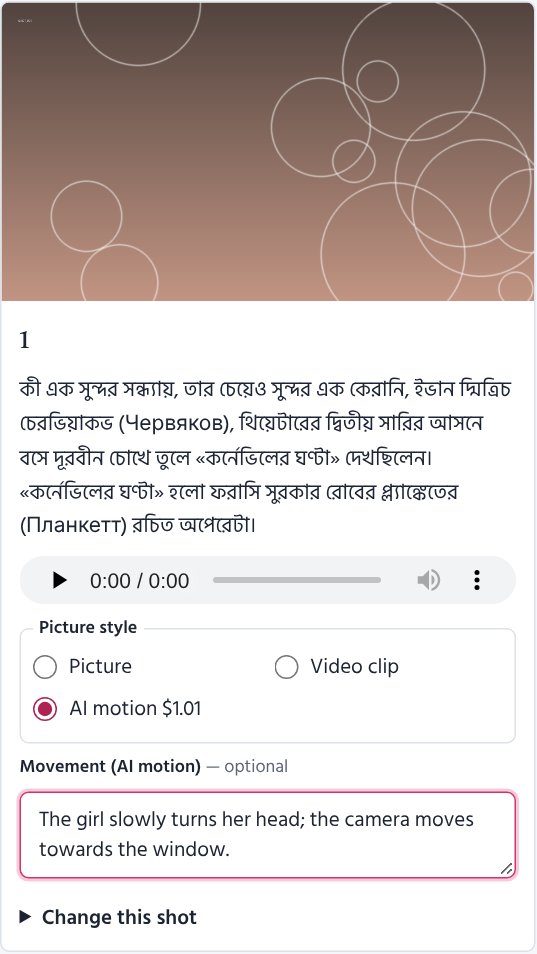
- Picture — the painting with a slow zoom or pan.
- Video clip — a free stock clip that fits the shot (needs a Pexels or Pixabay key).
- AI motion — the shot's own picture comes alive as a short video (paid by the second). Under it, Movement lets you say how it should move, in Bengali or English — for example “The girl slowly turns her head; the camera moves towards the window”. Left empty, the movement is gentle and natural. Changing it remakes only that shot's clip.
- Automatic — follows the film's setting.
The cost of your choices updates as you change them.